
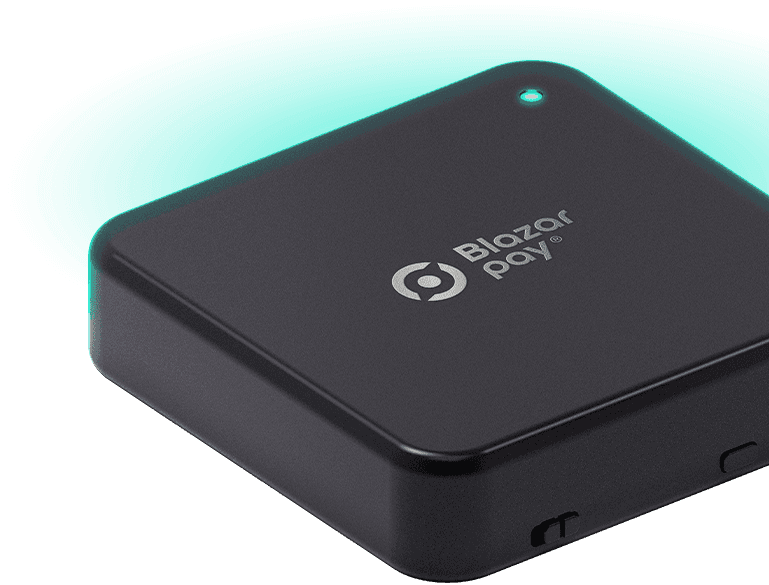
Download the app, connect your wallet, and hold your phone near the terminal to complete the payment.
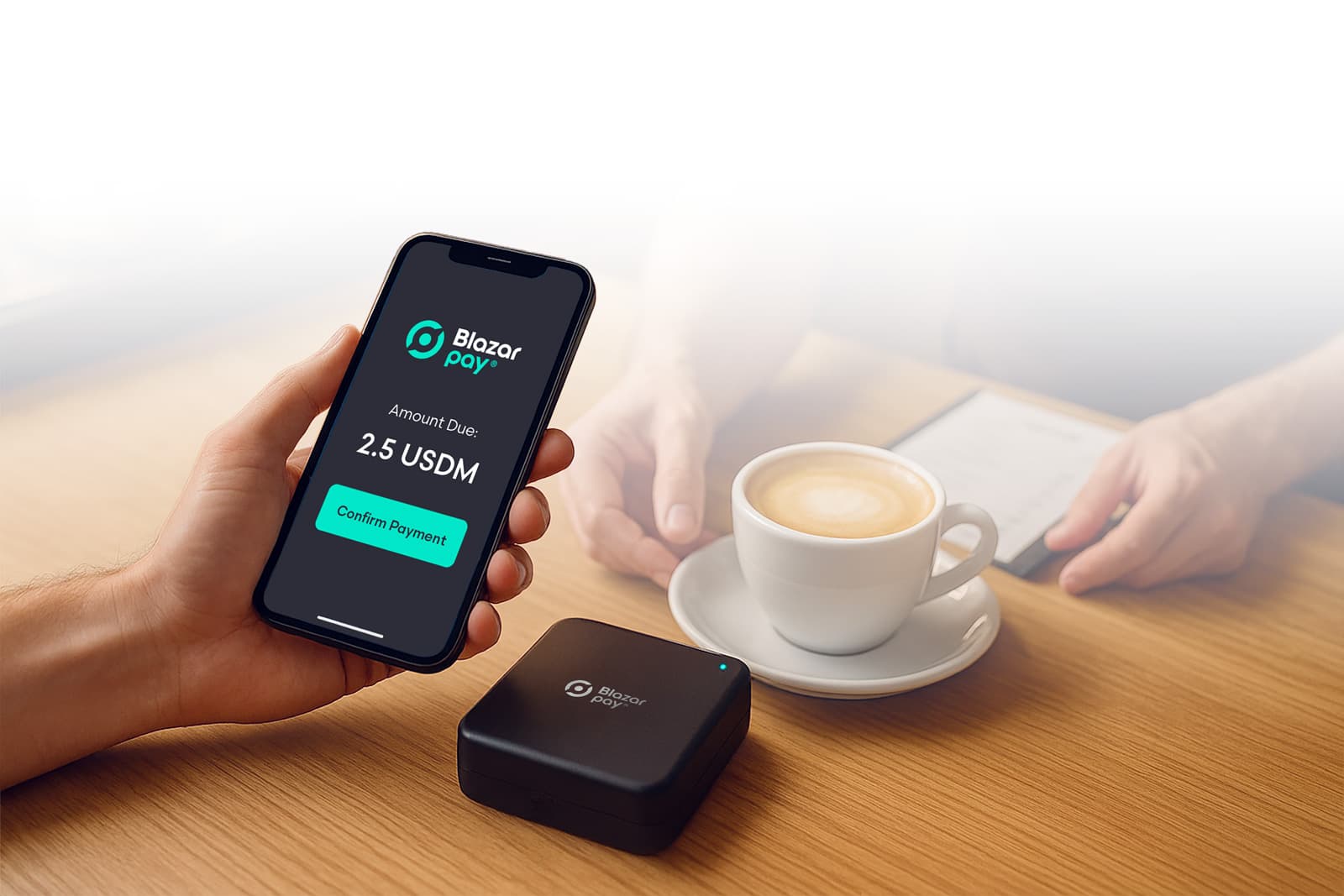

Download and install the Blazar Pay app.

Sign in or create your account.

Connect your wallet and make sure you have an ADA / USDM / BTC balance.

At checkout, open the Blazar Pay app.

Hold your phone close to the Blazar Pay terminal.

Review the amount and currency, then approve the payment.

See “Paid” on your phone and terminal — your receipt appears in History.
Pay directly with your crypto – no card needed.

Confirmation in seconds, right at the counter.
Keep control: you approve every payment before it’s sent.
Bring crypto
to your counter!


of each sale – near-zero processing & conversion fees.

payouts on your schedule – withdraw anytime.

ADA, USDM, BTC at the counter.

the price on the tag is the price paid.

every payment shows in your dashboard.

plug in, connect Wi-Fi, go live in minutes.
